
Solutions · Timekeeping
Stop chasing timecards. Let hours flow into payroll.
Mobile punch-in with GPS, on-site time clocks, PTO requests and overtime rules, all connected to your SwiftChecks payroll. We set it up, so it just runs.
Take a self-guided tour of the system (opens in a new tab)No more paper timecards
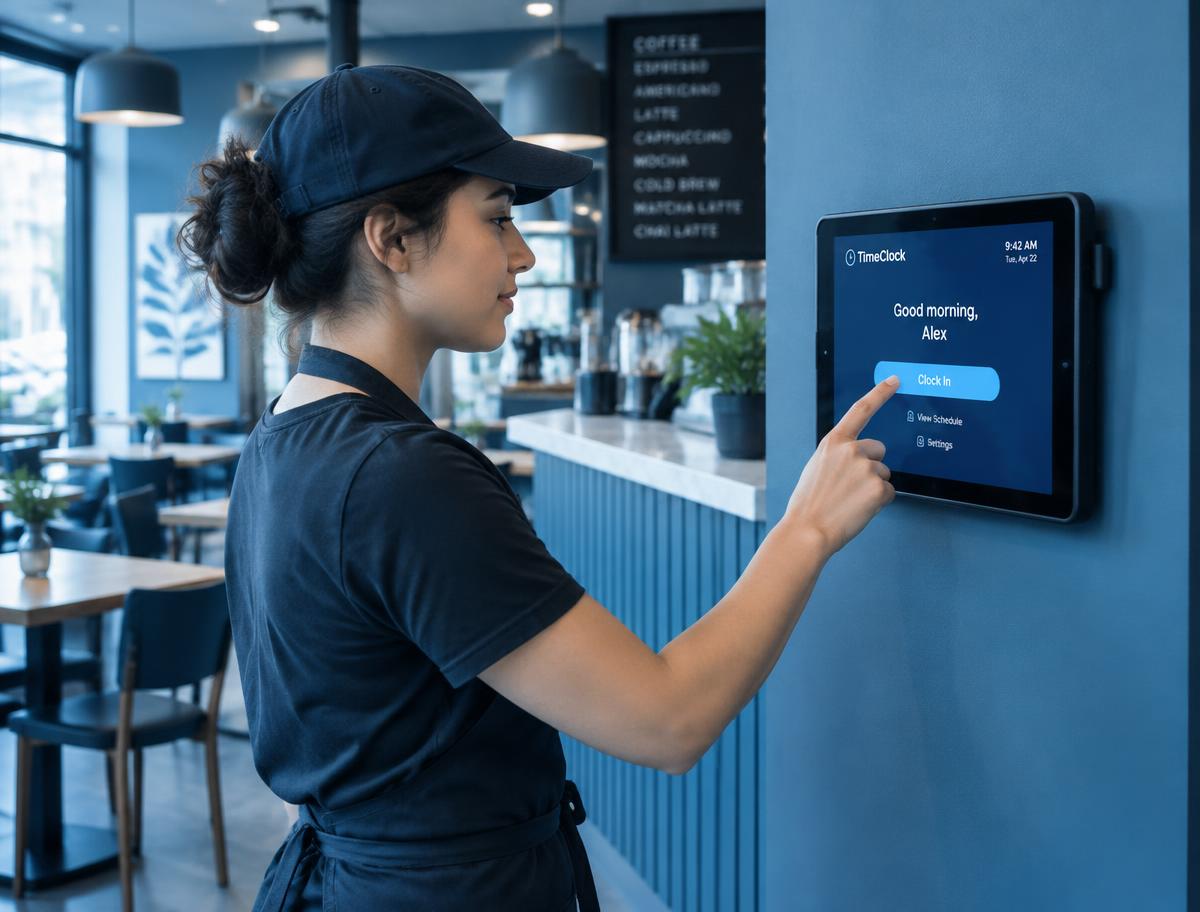
Employees punch in from their phone, a browser or an on-site clock. Hours are captured automatically, not collected on Monday morning.
No more doing the math
Overtime, rounding, meal and rest breaks are calculated using your company's rules, every pay period.
No more retyping hours
Approved hours sync straight into your SwiftChecks payroll with one click. What you approve is what gets paid.
The hidden cost of paper timecards
Manual timekeeping isn't free.
Paper and spreadsheets feel like they cost nothing, but small leaks every pay period add up. For most teams, accurate hours alone help cover the cost of the system.
Buddy punching
When one employee clocks in for another, you pay for time nobody worked. Fingerprint and face clocks stop it.
Rounding and guesswork
Handwritten times get rounded up. A few minutes per person per day adds up fast across a year.
Your own time
Collecting, checking and retyping timecards eats hours every pay period that you could spend running the business.
Clock in from anywhere
A setup that fits how your team works.
Office, job site, kitchen or warehouse, there's a way to punch in that makes sense. Mix and match as needed.
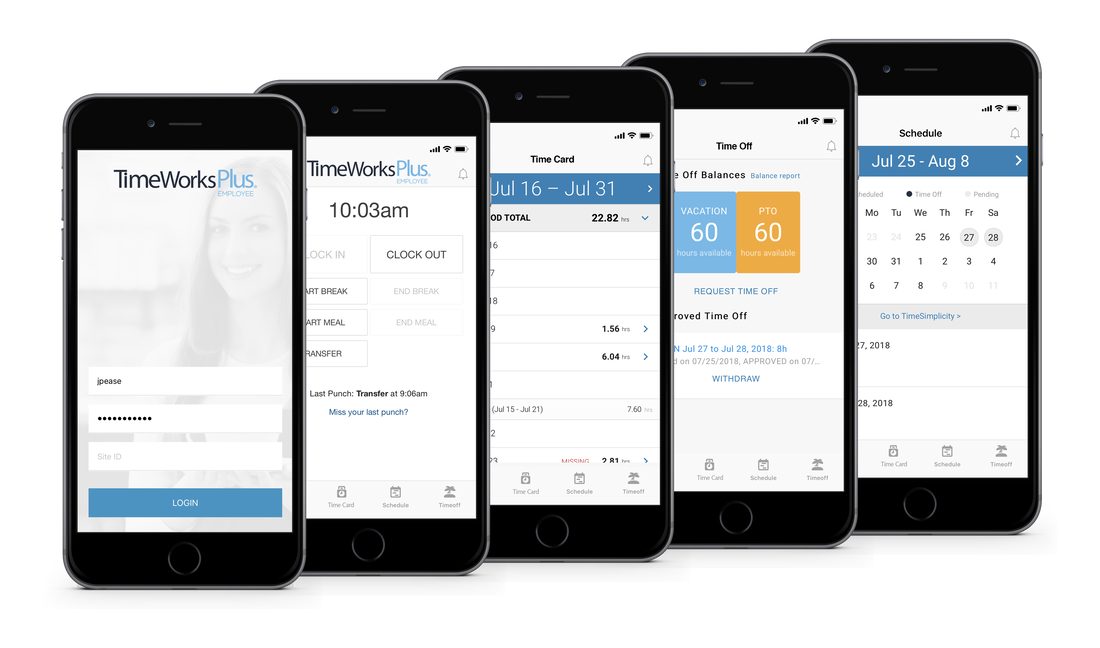
Mobile app with GPS
Perfect for field crews and teams at multiple job sites. GPS stamping and geofencing make sure punches happen where the work is.
Web clock & tablet kiosk
A simple punch-in from any computer or a shared tablet at the front desk, shop counter or office.
On-site time clocks
Hardware for the modern workplace.
Need a clock on the wall? Choose the level of security that fits your business. We help you pick it and get it connected.
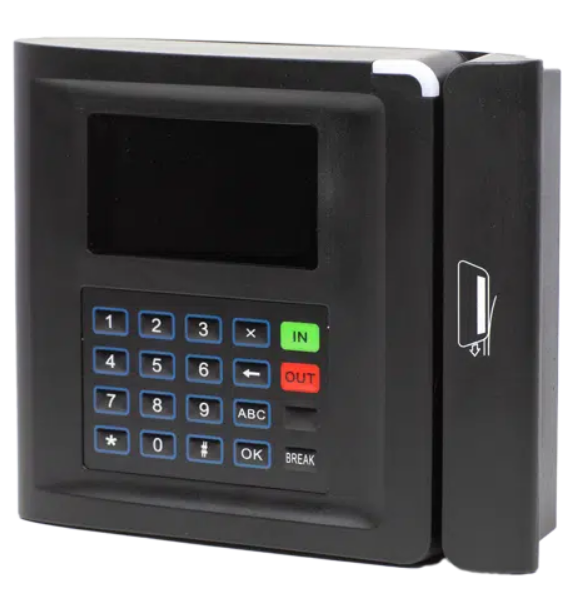
PIN pad or proximity badge
Basic clock
A durable, affordable on-site clock. Employees punch in with a PIN or tap a badge.
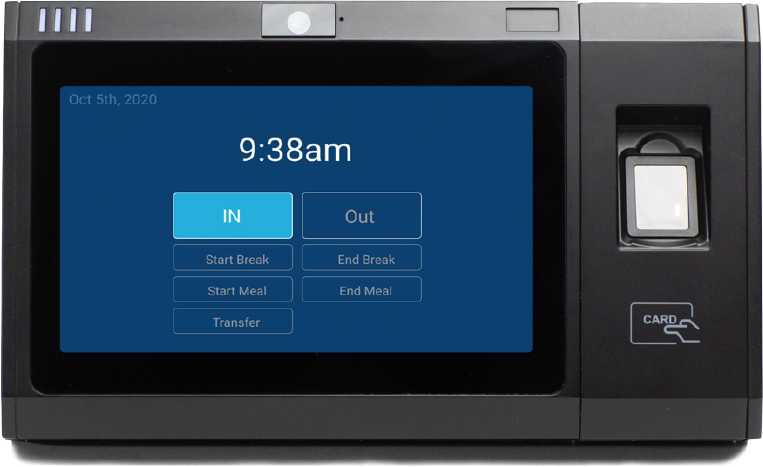
Fingerprint reader
Touch clock
Powerful fingerprint sensors help eliminate buddy punching and time theft. No badges or PINs to forget.
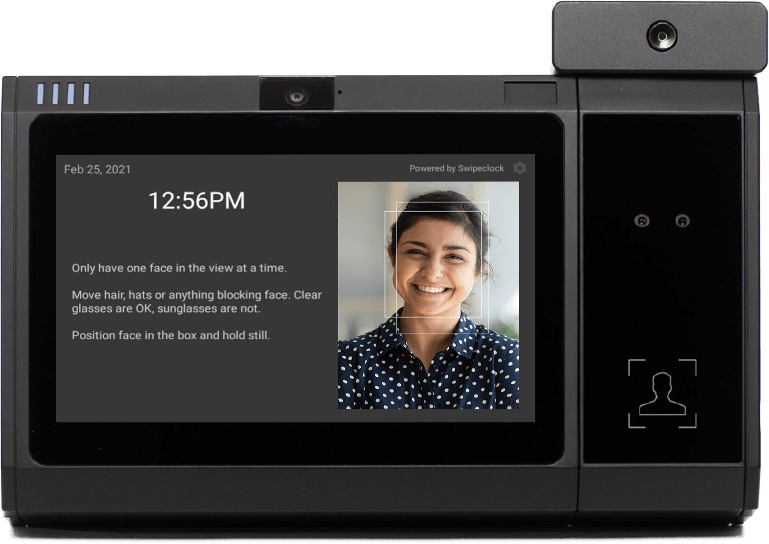
Facial recognition
Vision clock
A minimal-contact way to clock in and out using the one ID nobody forgets: their face.
Run payroll in minutes
Sync. Review. Approve.
Because timekeeping is built into your payroll, payroll day takes three clicks.
- 01
Sync
Review timecards online, then click Sync to send hour totals into your payroll entry screen.
- 02
Review
Payroll calculates instantly so you can check every figure before anything is final.
- 03
Approve
Approve and your team is paid by direct deposit or check. Taxes are paid and filed for you.
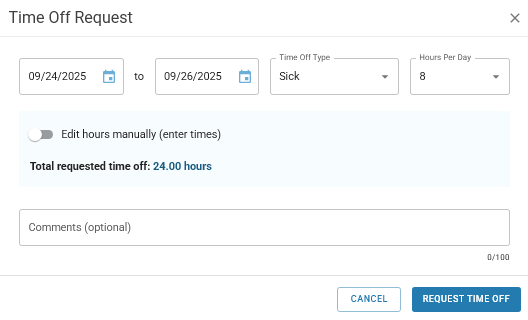
Paid time off
PTO without the spreadsheet.
- Employees request vacation, sick or personal time from their phone
- Managers approve with one click
- Balances and accruals update automatically
Every day, not just payroll day
The tools you use between pay periods.
Schedules, break rules and missed punch alerts keep the week running smoothly, so nothing lands on your desk for the first time on payroll day.
Scheduling
Build schedules and let your team see their shifts right in the app.
Compliance rules
Overtime, meal and rest break rules configured to match state and federal requirements, with a secure audit trail.
Fewer surprises
Spot missed punches and overtime before payroll day, not after.
Built for your kind of team
Will this work for my business?
Here is how clients like you put it to work.
Contractors and trades
Crews punch in from their phones at the job site. GPS and geofencing confirm they are where the work is.
Restaurants and retail
Block early clock-ins, track meal and rest breaks, and stop buddy punching with a fingerprint or face clock.
Offices and professional teams
Quick web or mobile punches plus automatic PTO tracking, so nobody has to ask how many vacation days are left.
The SwiftChecks difference
You don't have to set it up yourself.
Other providers hand you a login and a help article. We get your timekeeping running with you, then stay with you.
We configure it
Pay rules, overtime, breaks, PTO policies, departments and clocks, all set up for you.
We train your team
We walk your managers through approving time and your employees through punching in.
We stay on call
Questions after go-live go to a real person who already knows your account.
Common questions
Before you decide.
Ready to add timekeeping to your payroll?
Call us or book a time online and we'll walk through how your team works, recommend the right setup and give you pricing.
Want to look around first?
Click through a self-guided tour of the timekeeping system at your own pace.
Open the tour